
Messaging & announcements
Talk in channels and direct messages. Share company announcements and resources, with messages and files together.
Messaging, projects, mobile attendance and AI. Explore the tools your team uses every day.
Explore the tools that connect conversations, people and AI.
Talk in channels and direct messages. Share company announcements and resources, with messages and files together.
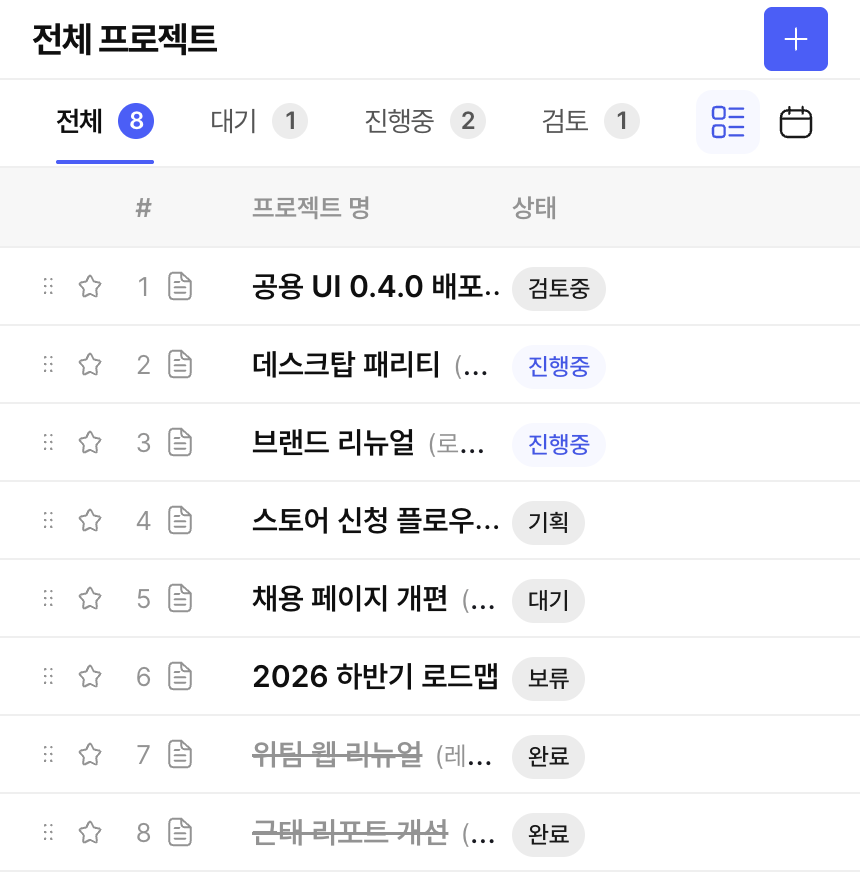
Assign owners and deadlines, then track work in lists and kanban boards.
Read the guide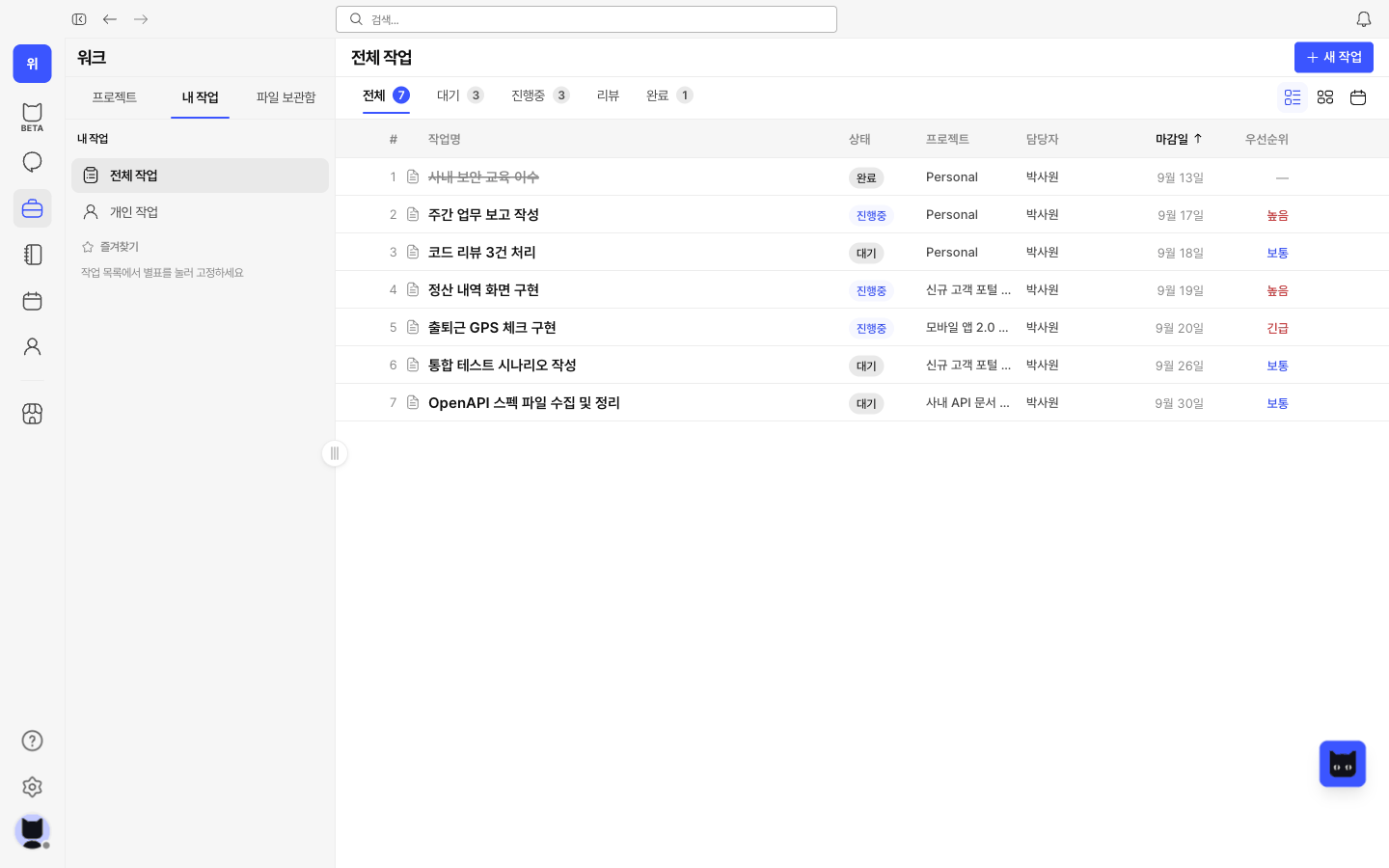
Write meeting notes and working documents, and keep them connected to projects.
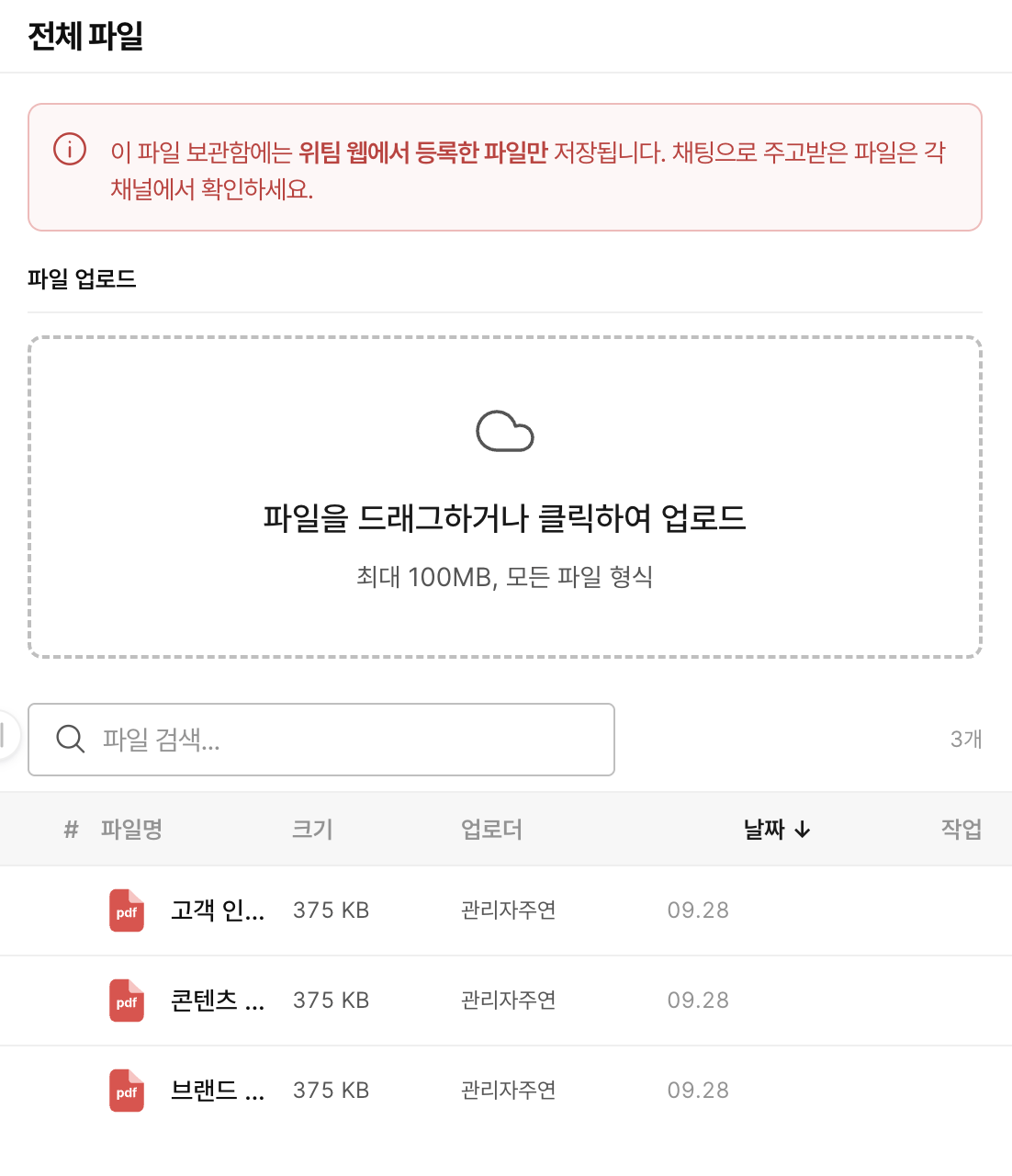
Share work and team schedules, review leave and recurring events, and see everyone’s plans at a glance.
Read the guide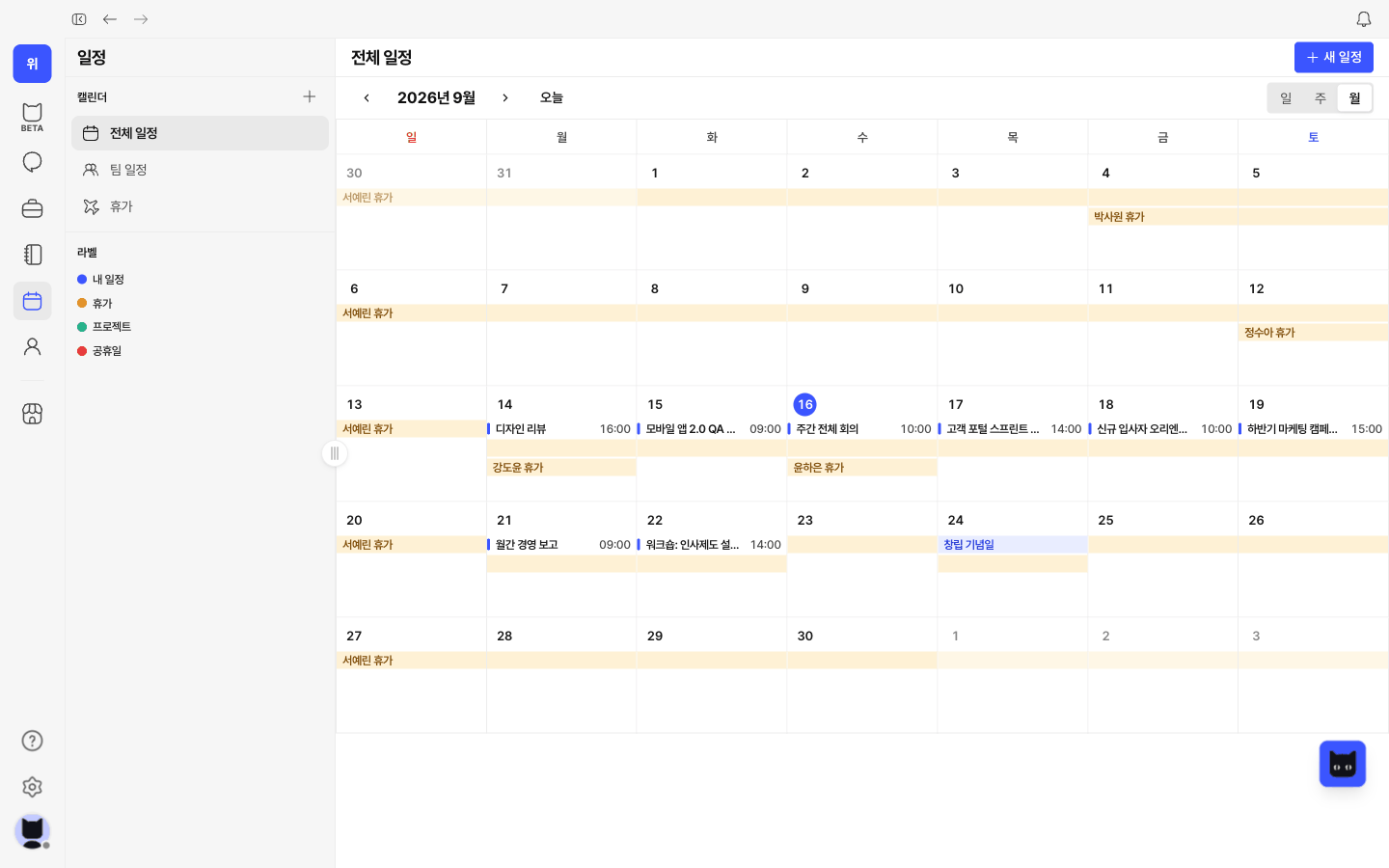
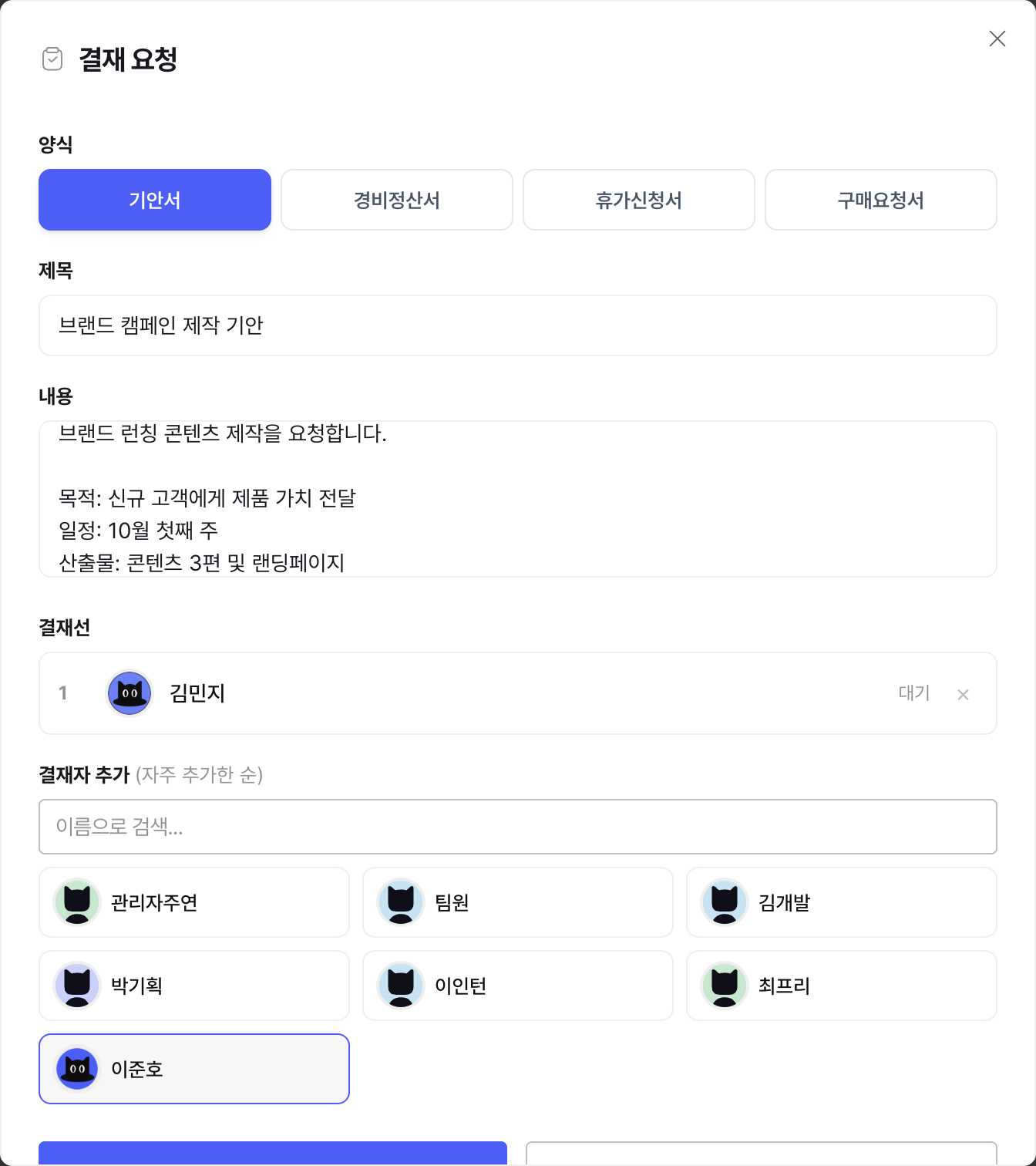
Review leave, attendance and work requests. Approve or return them and track each request from submission to completion.
Record attendance on mobile and review office and remote work history. Managers can check team status and correction requests on the web.
Read the guide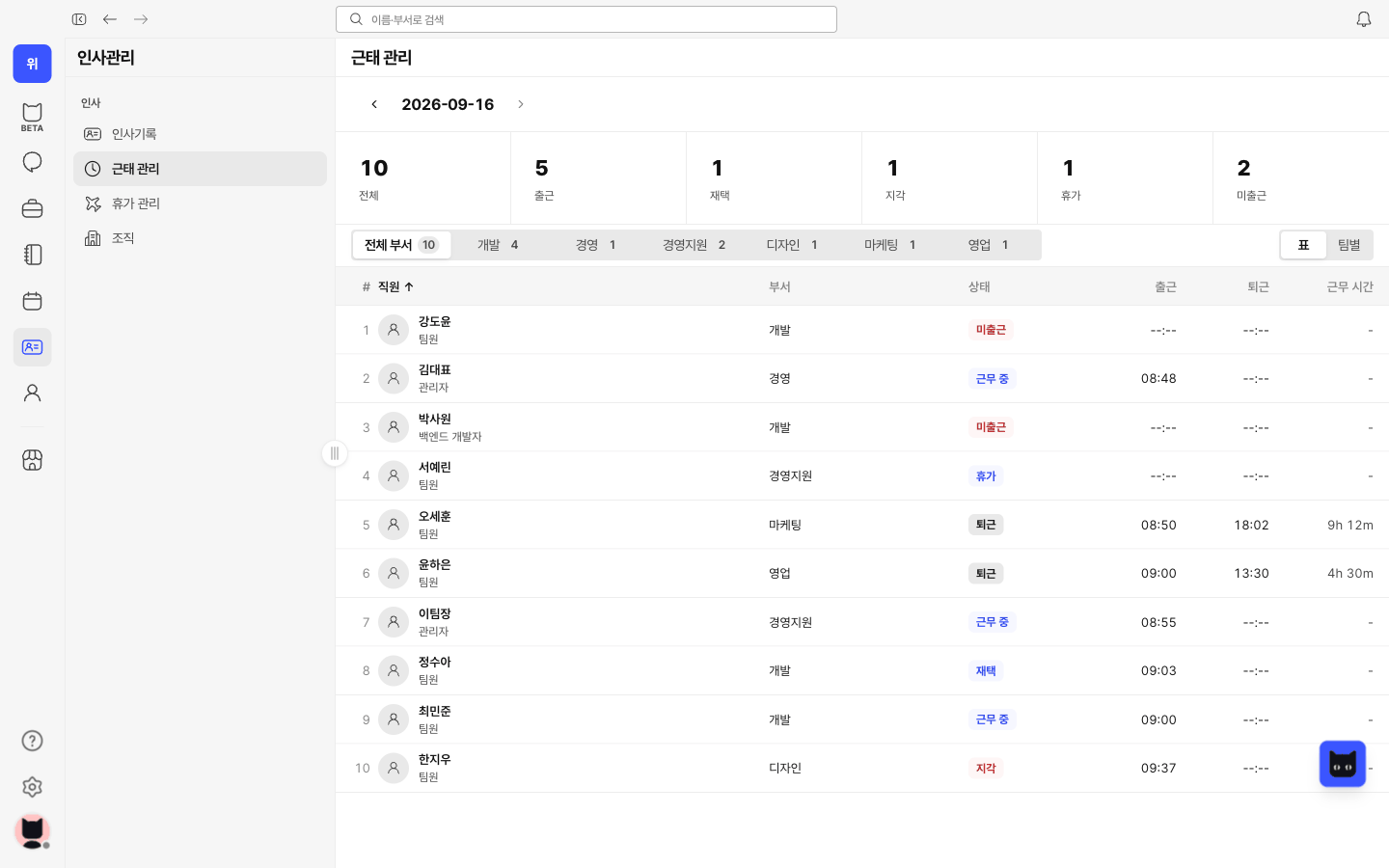
Check balances, request full or half days off, and track approvals and usage. See approved leave in the team calendar.
Read the guide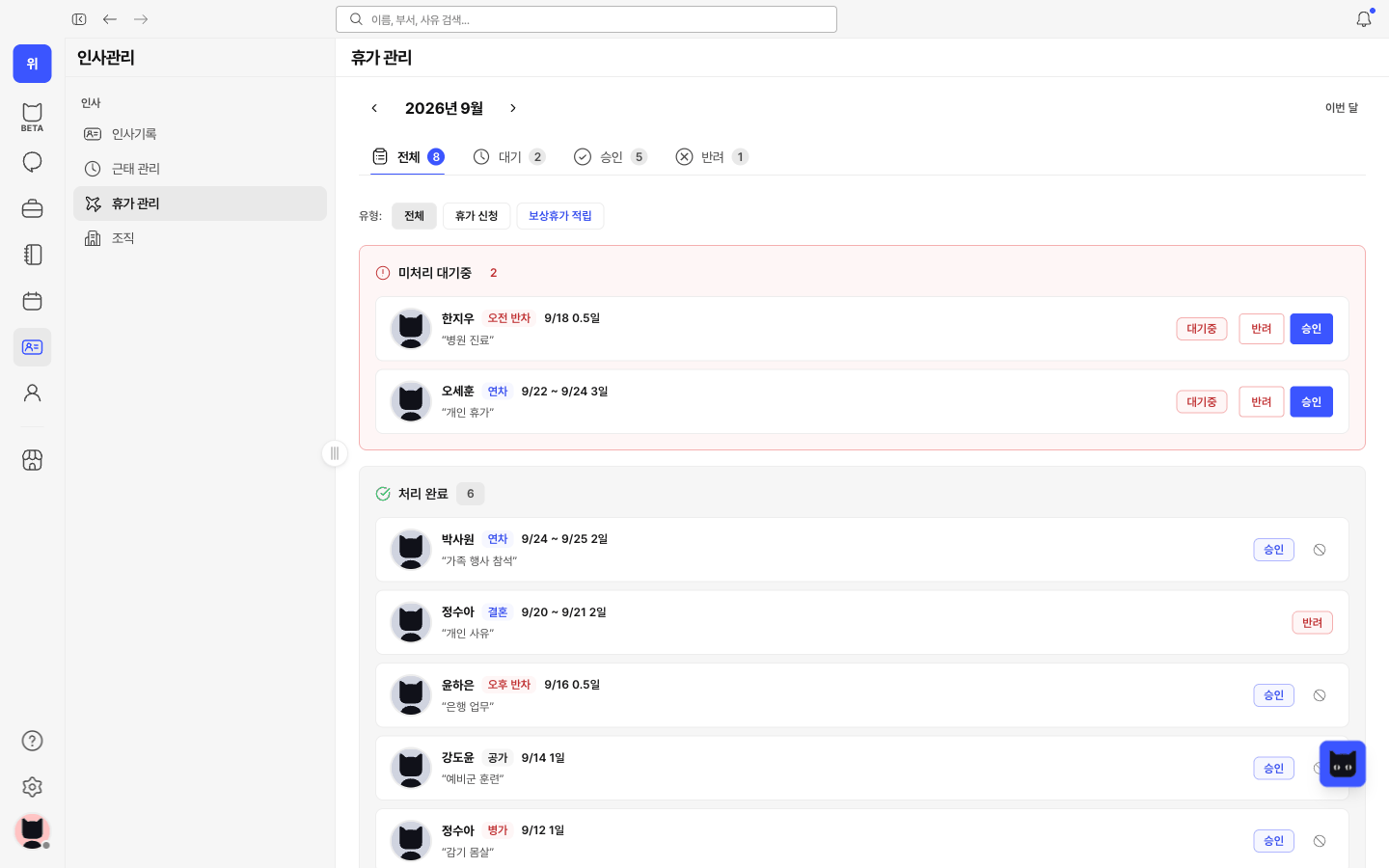
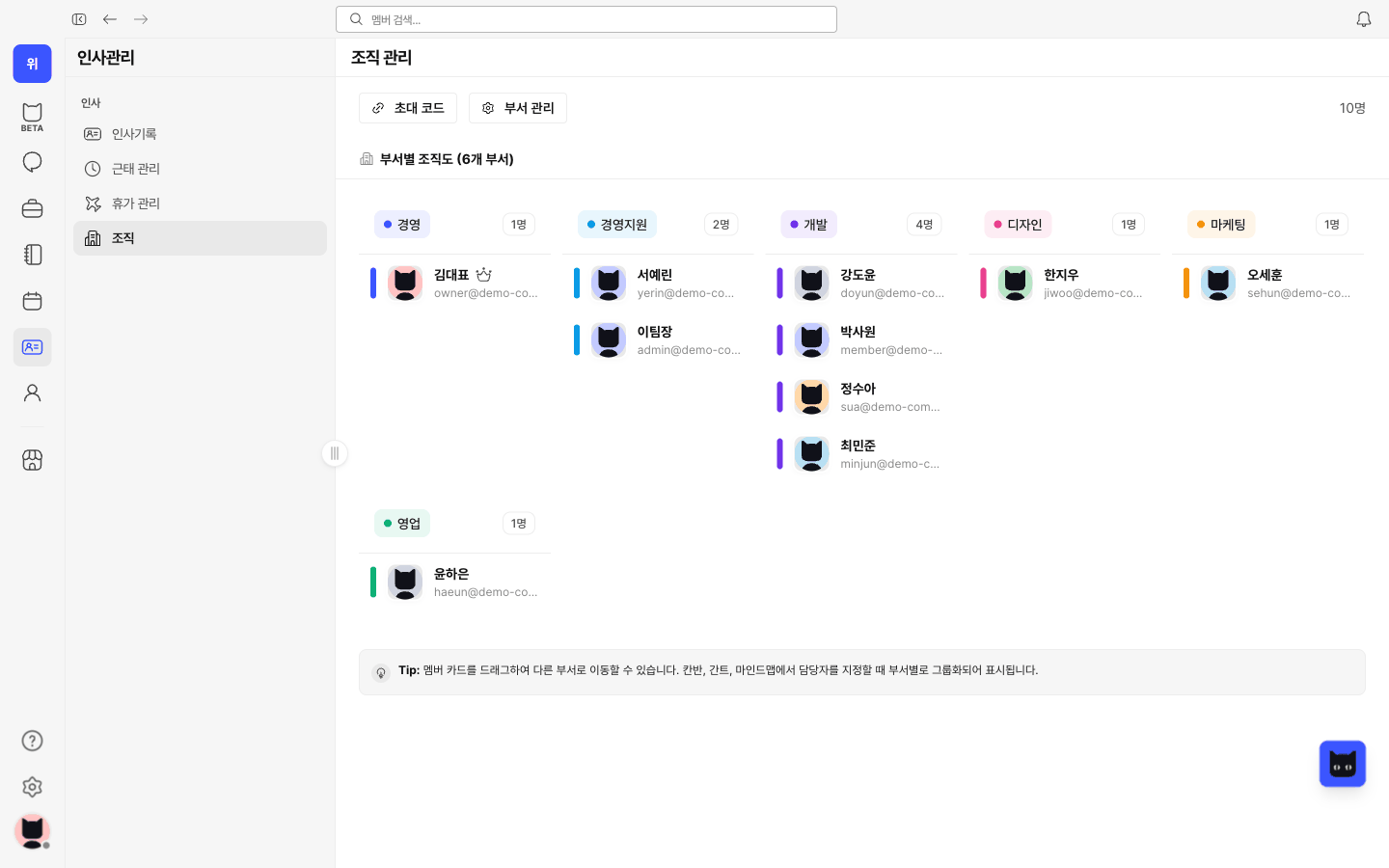
Keep employee details, departments and employment history together, alongside attendance and leave information.
Read the guide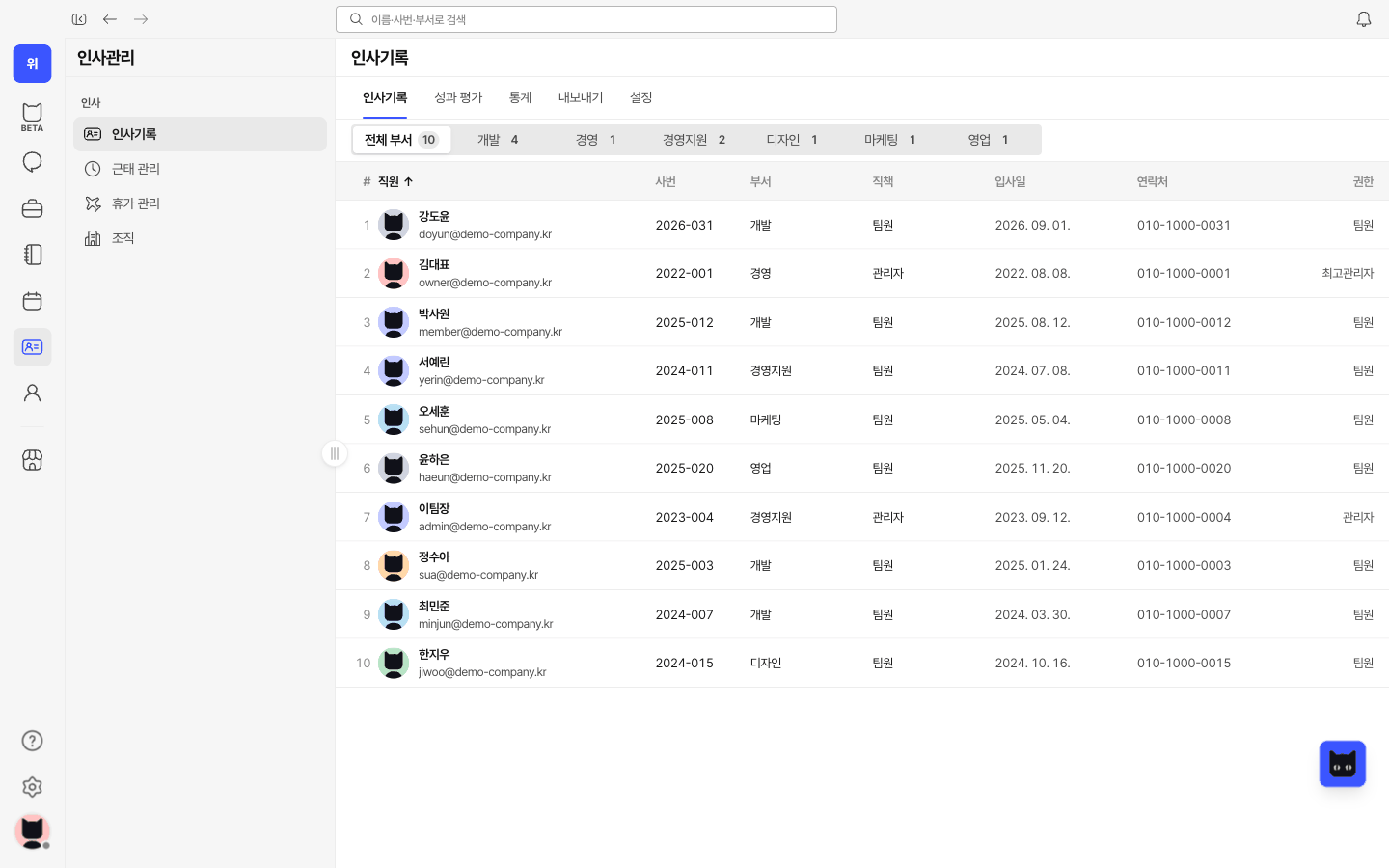
Review working hours and attendance rates by period, and compare weekly hours across your team in one place.
Read the guide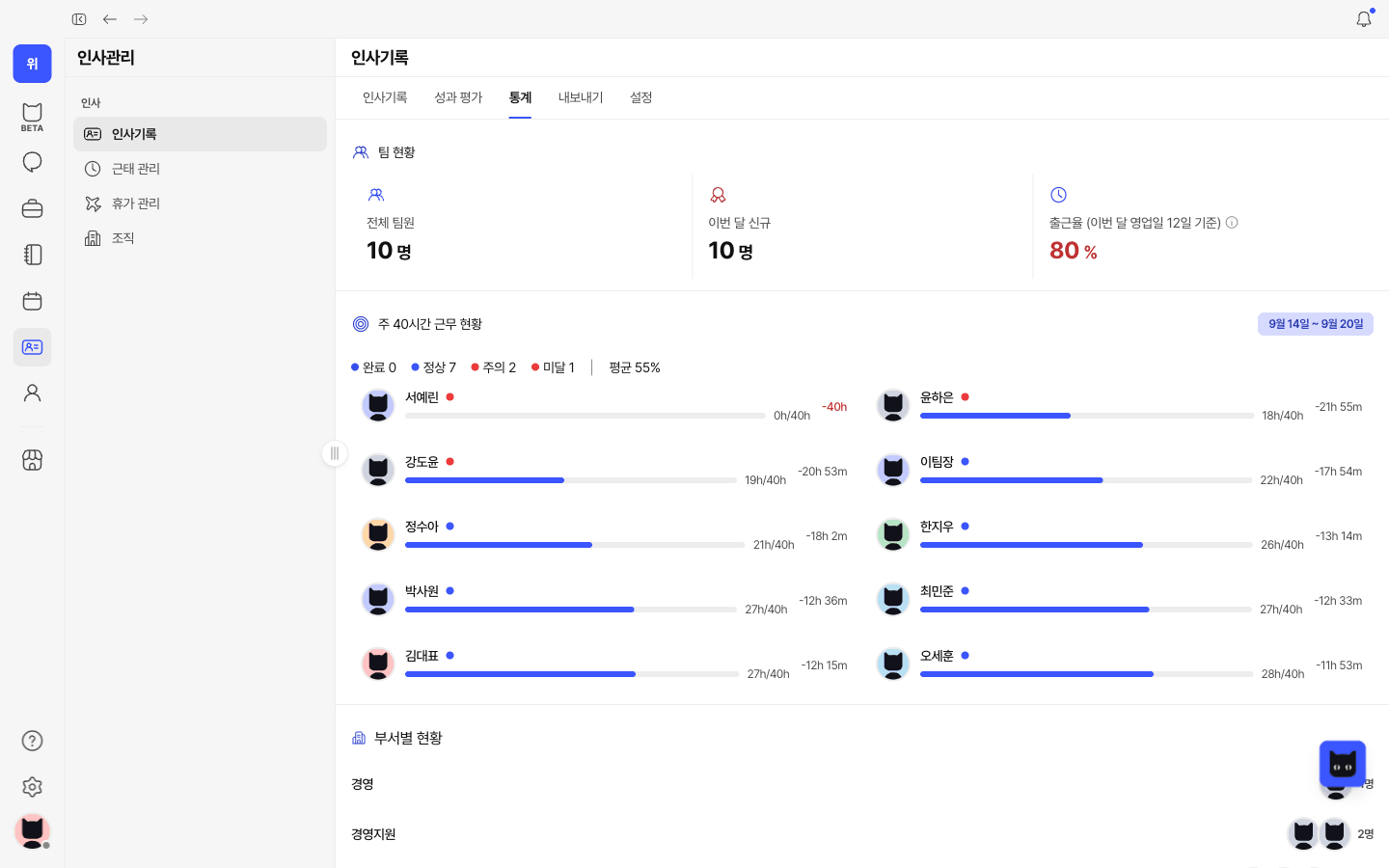
Check your work status and records, request leave and submit attendance corrections.
Read the guide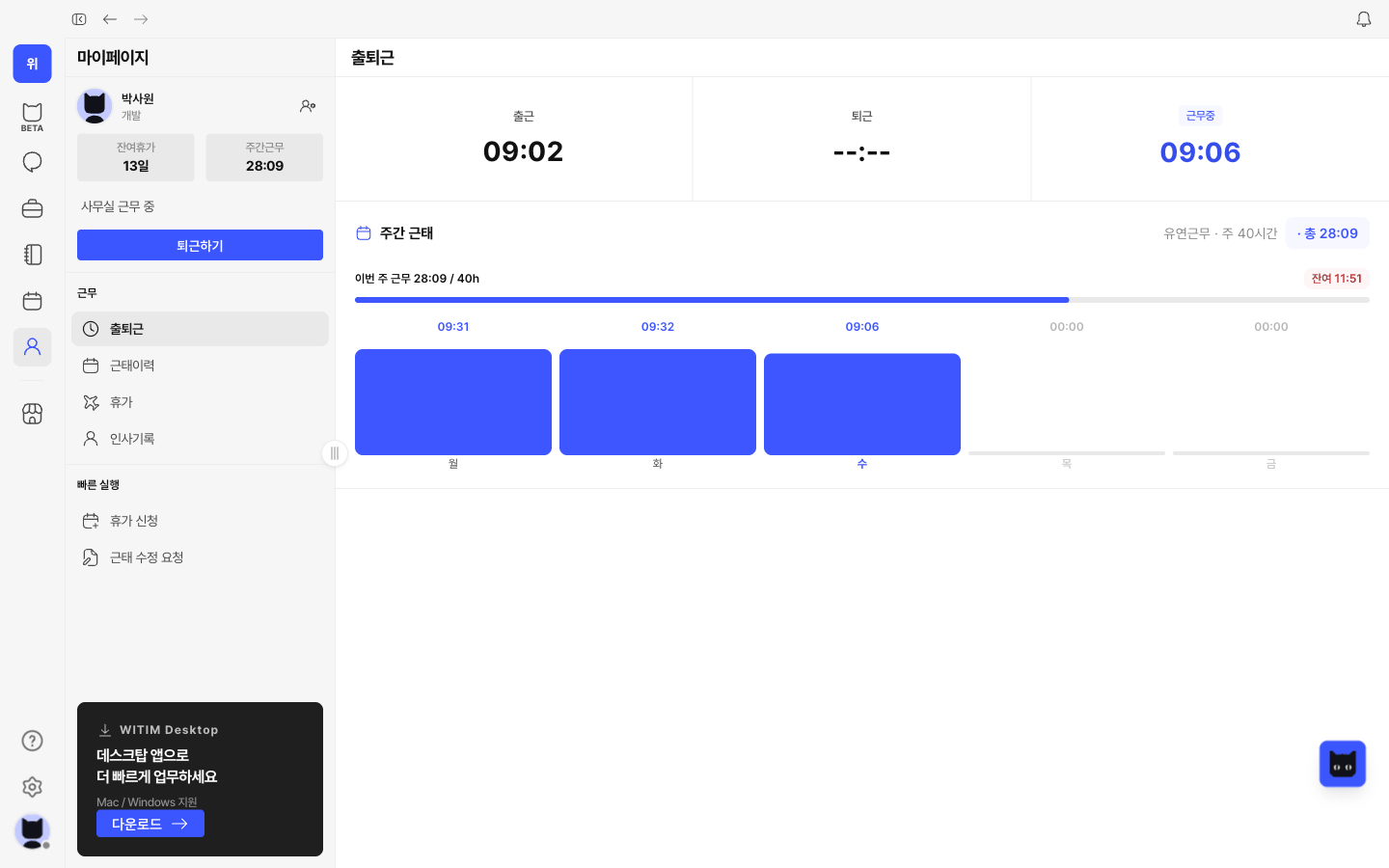
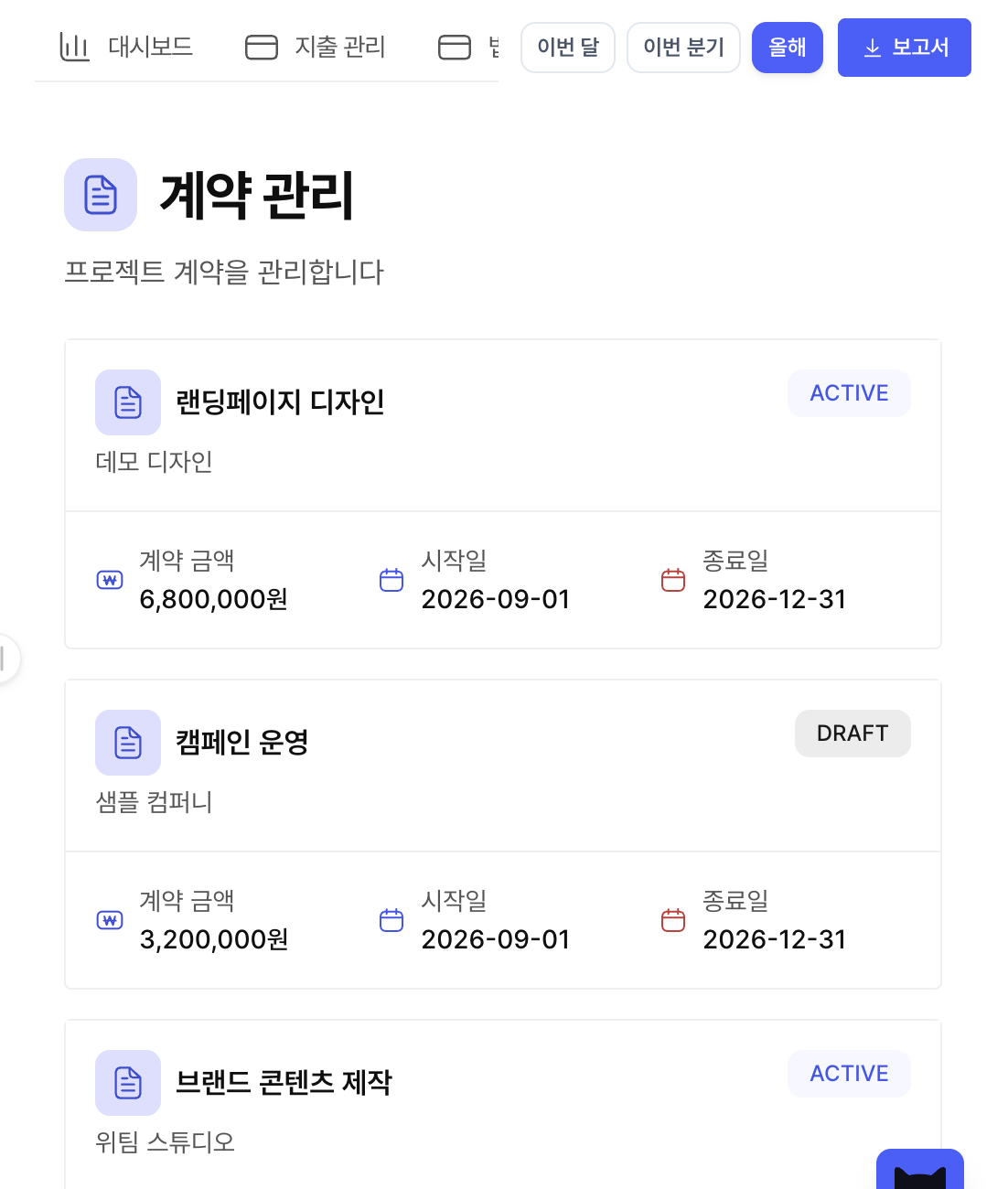
Register contracts and keep counterparties, amounts and status in one place.
Ask in a conversation and work with AI 티미 on documents, research and next steps.
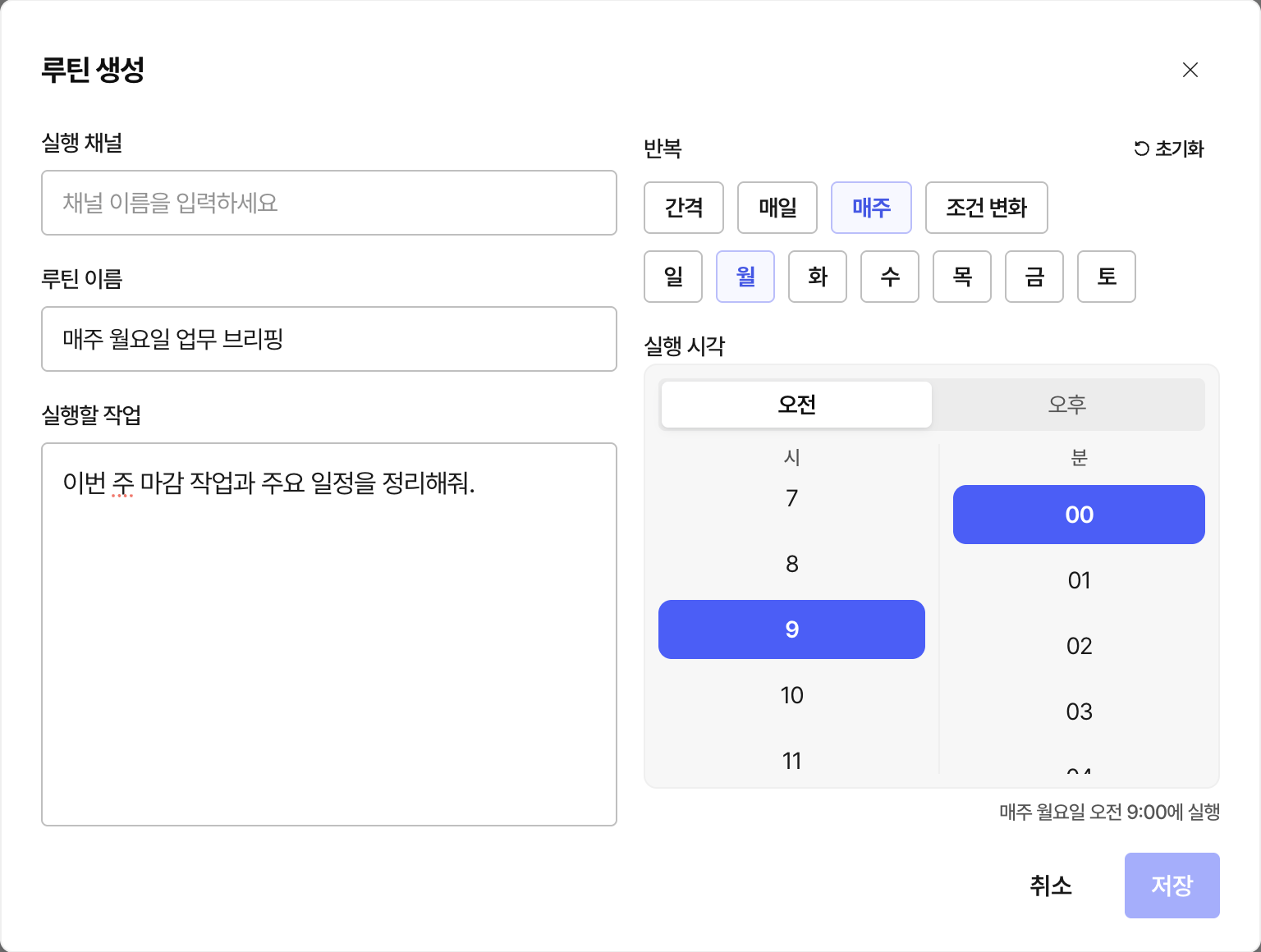
Set recurring requests and schedules, then follow their execution history.
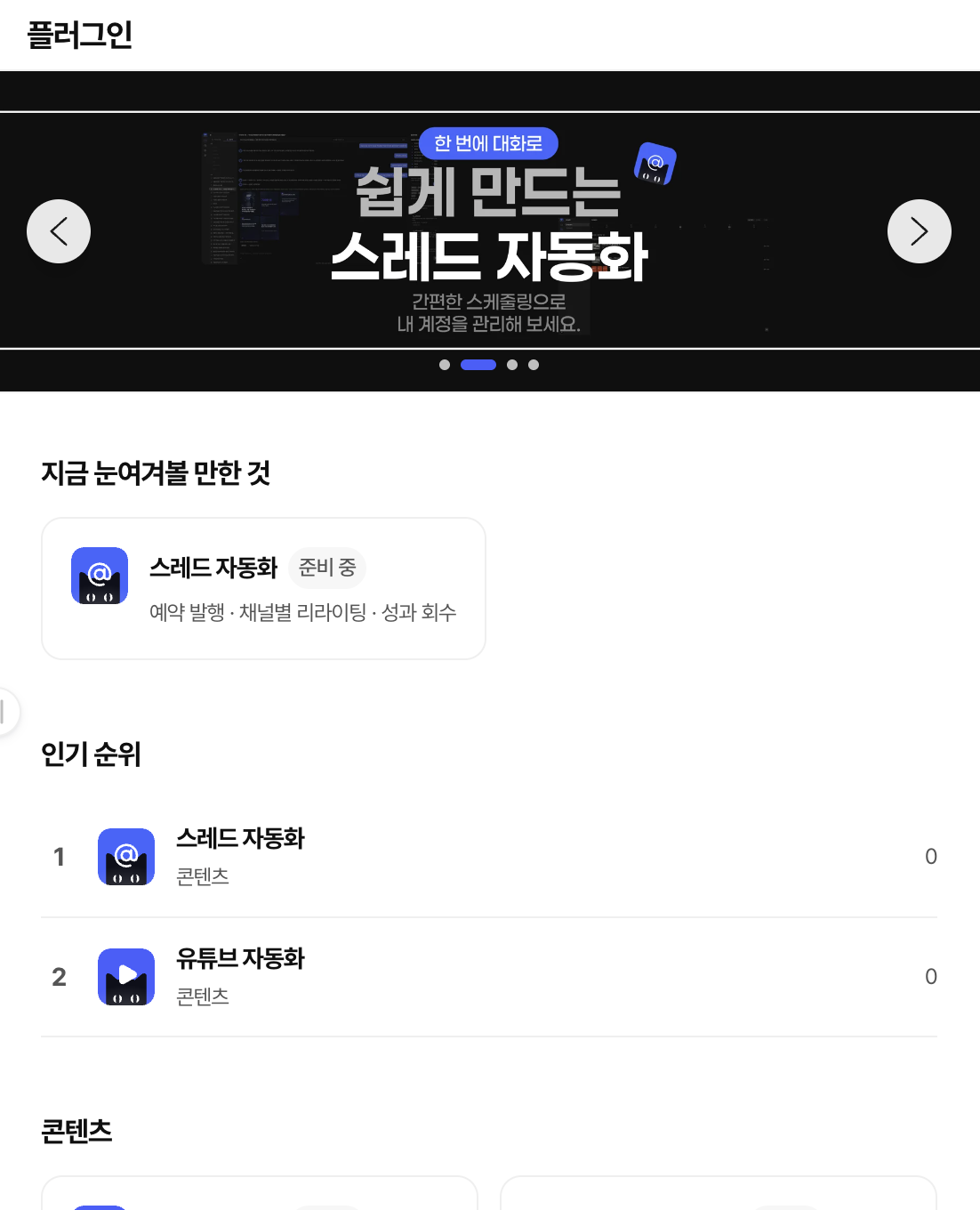
Explore automation programs for content operations and check their availability.
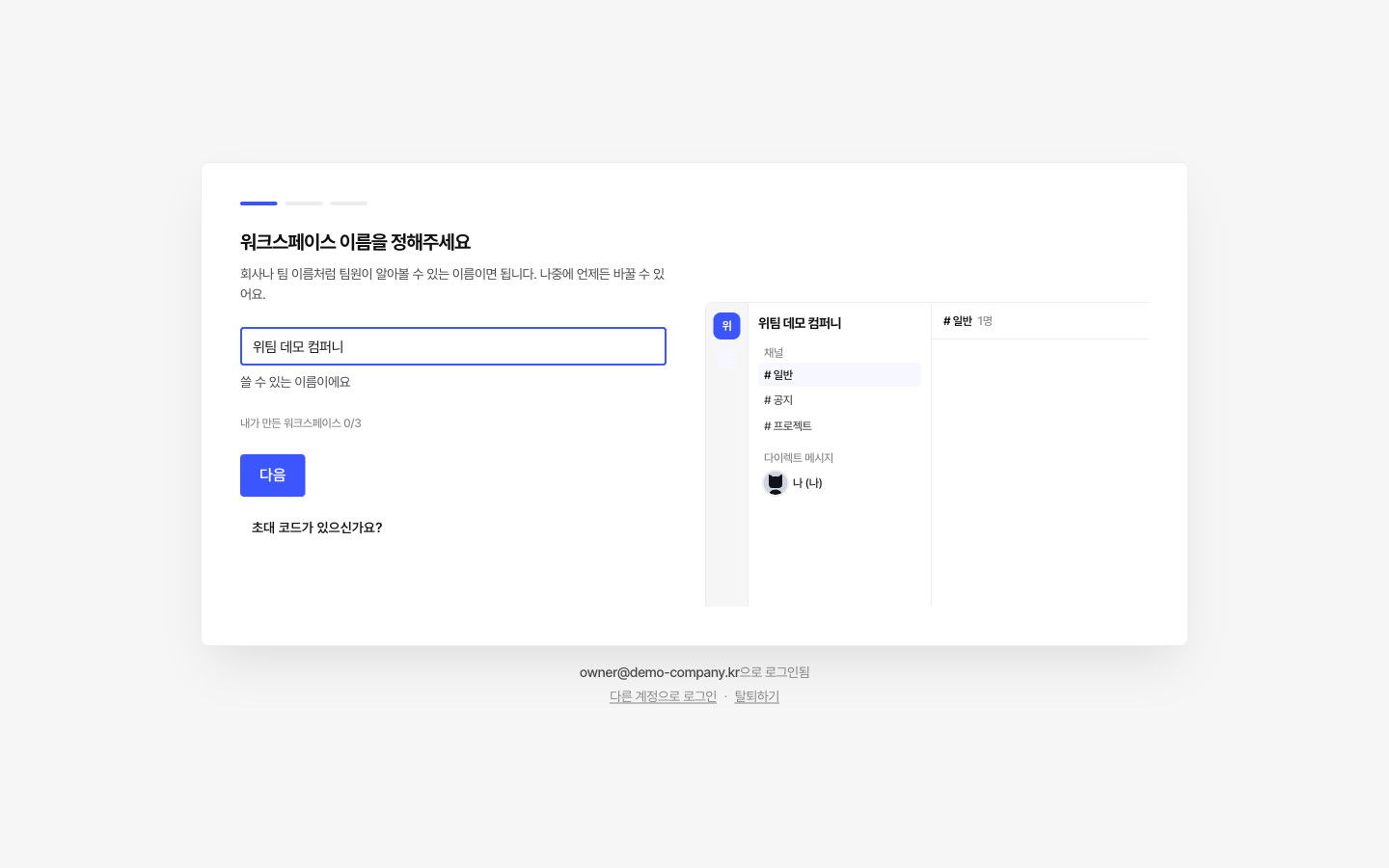
Share an invite code or link to bring teammates into the same workspace.
Read the guide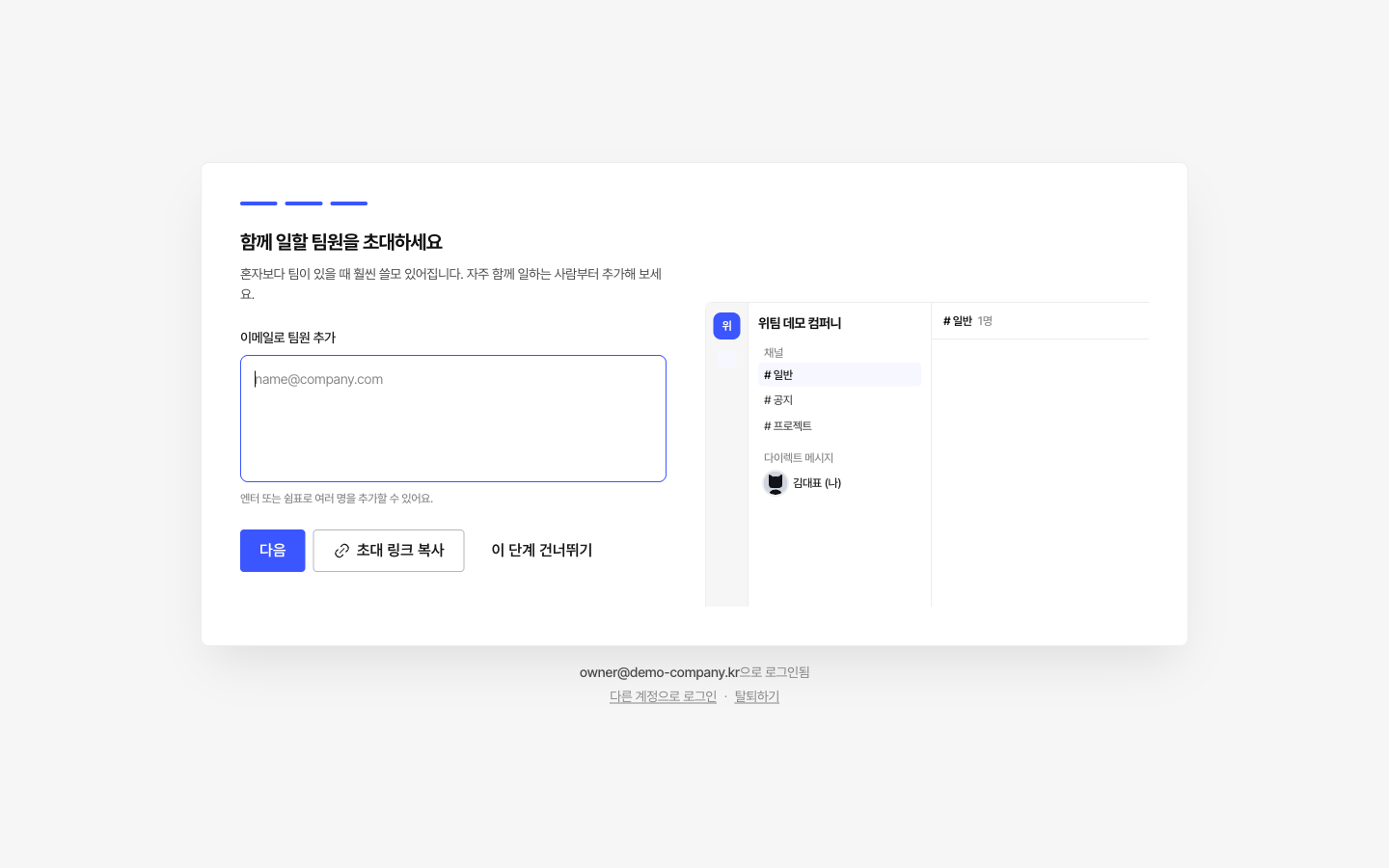
Choose member roles and access levels, and configure the features your team needs.
Read the guide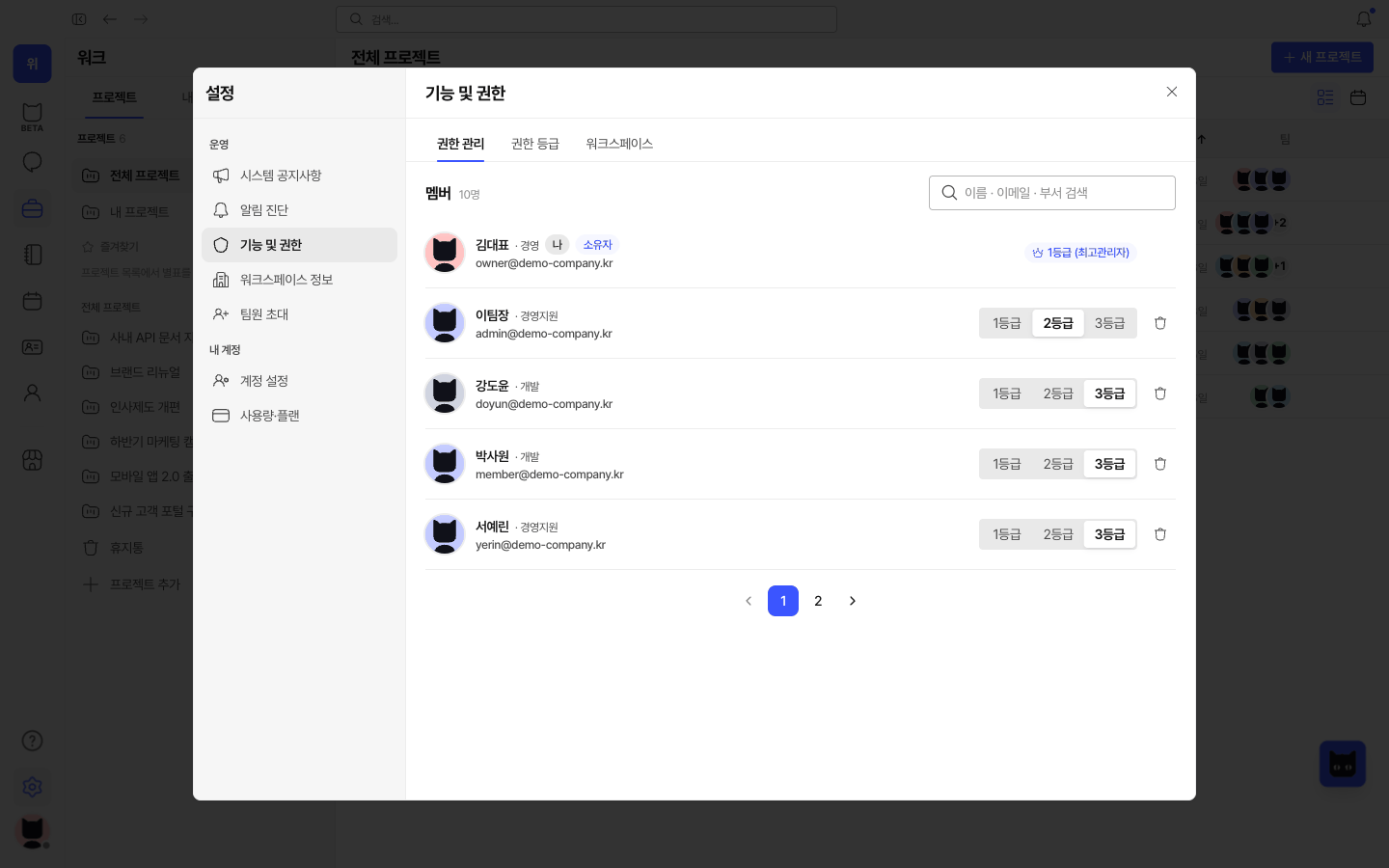
Keep company details, contacts and account information organized for operations.
Read the guide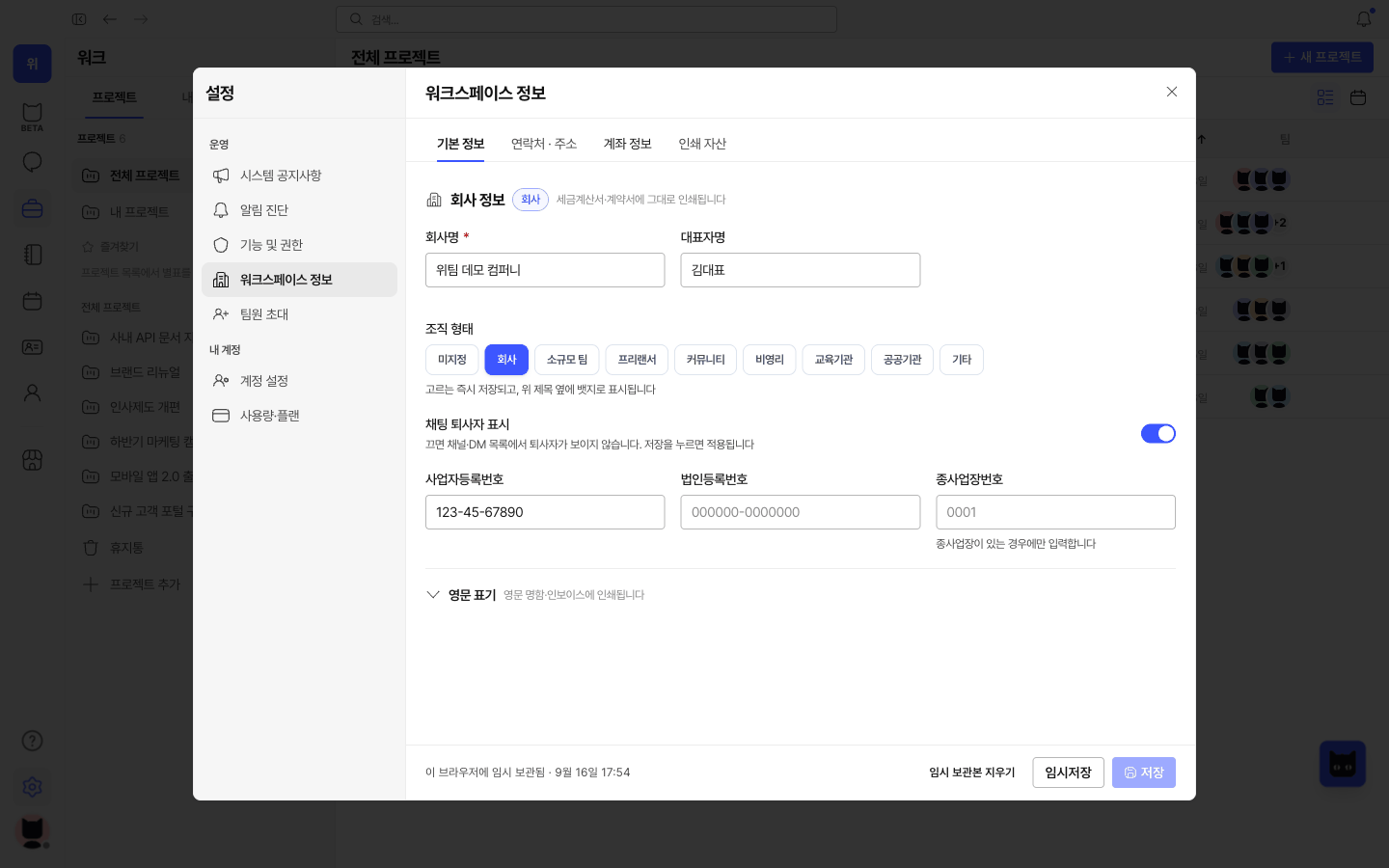
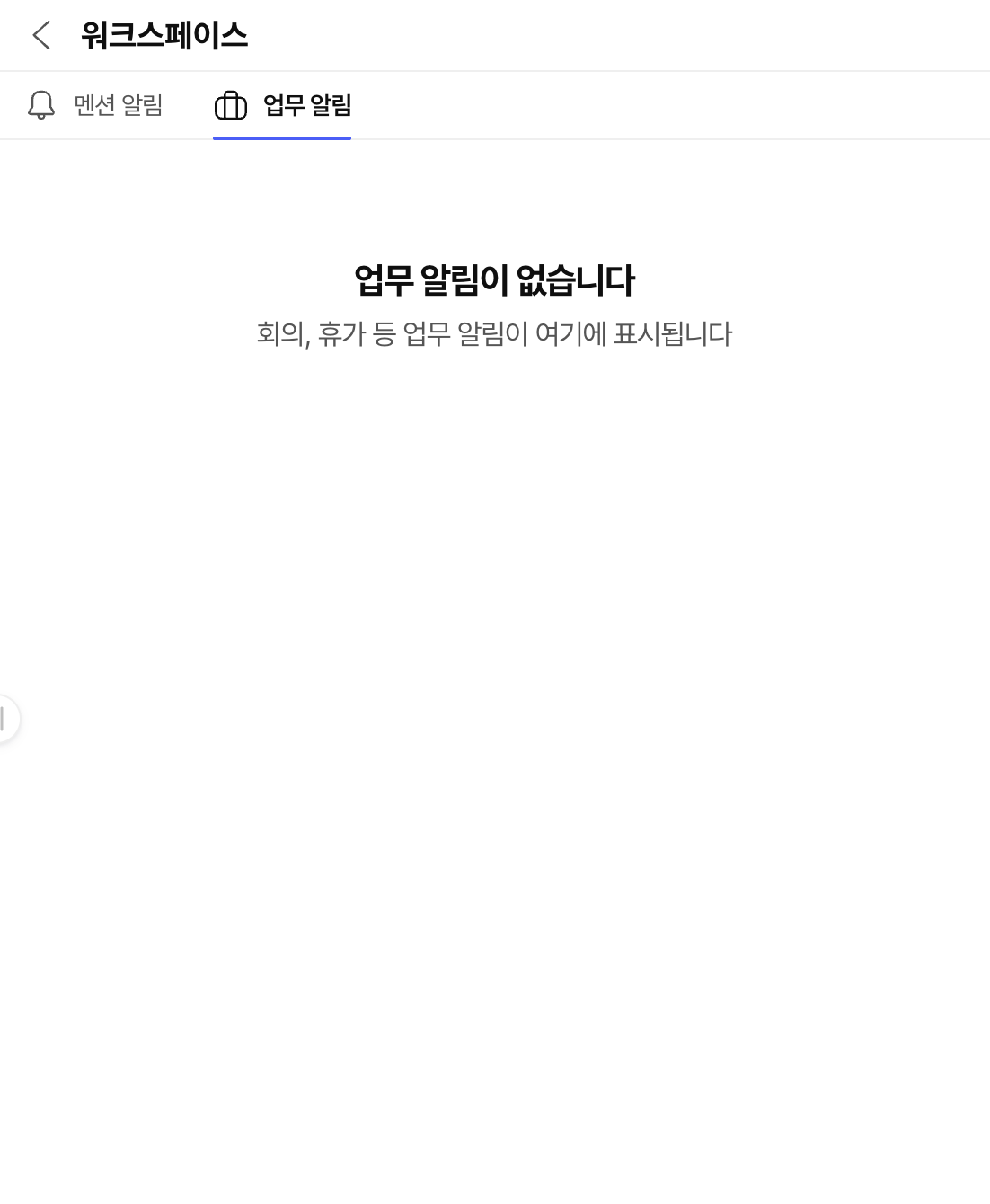
Catch up on notifications and return to the conversations and work that need you.
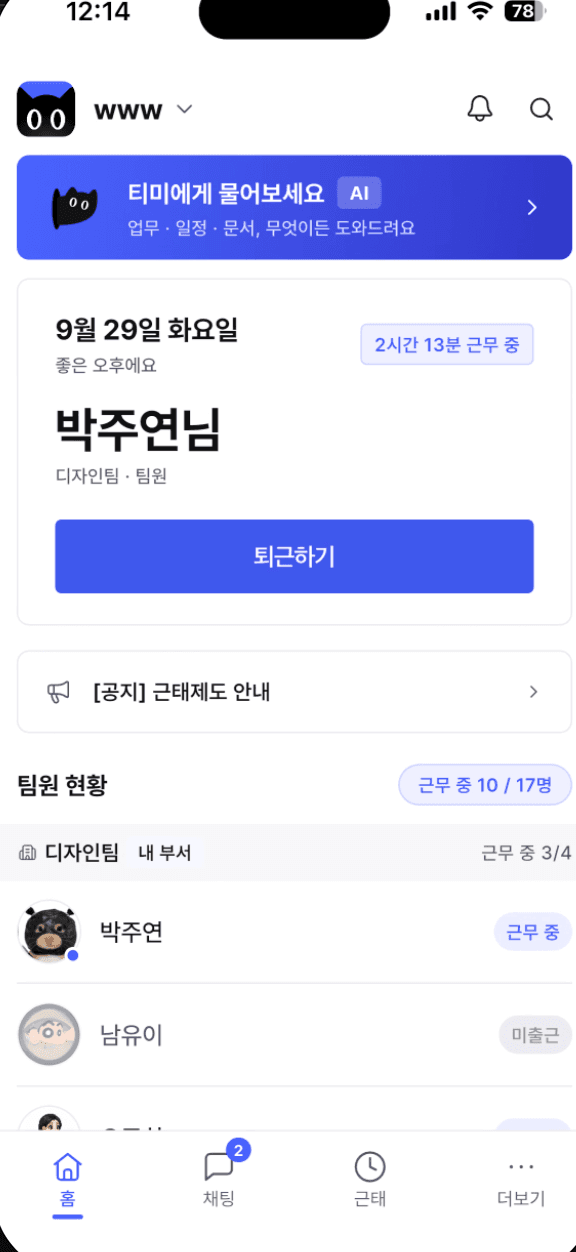
Record check-in and check-out, and see your current work status.
Review weekly working hours and recent attendance records.
Managers can review team attendance and correction requests on the web.
Explore workflows for your business size and industry. Industry and size examples are available in Korean.